a front-end-friendly webfont way to include the ideal social media icons and dramatically develop your design

managing one's presence online these days is tricky. you gotta be everywhere: LinkedIn (obviously), X.com (with almost everybody), Bluesky (with everyone else), GitHub (just in case your CV catches some HR's eye) and so on. that's a lot to manage, and naturally you'll want a nifty personal website where all those profiles can be displayed.
the problem is that you'll need their icons, and as usual with front-end activities, there's more than one way to go about that. one of the leanest, easiest to scale (be it business or design-wise) is to use a font. but with all those social media sites being born, brought about, and bowing out, this means that font designers have their work cut out for them.
and it's not like you get to tell them to update your favorite font with that icon you need, right?
well, not to worry. today as I was looking around for a solution to this dilemma, I came across a Reddit post on r/typography that addresses this very concern! and by the way it's very flexible and customizable. check it out:
1. Fontello
first you'll want to visit fontello.com and check whether your icons are already there. if that's your case, then this tutorial is over before it even started¹!
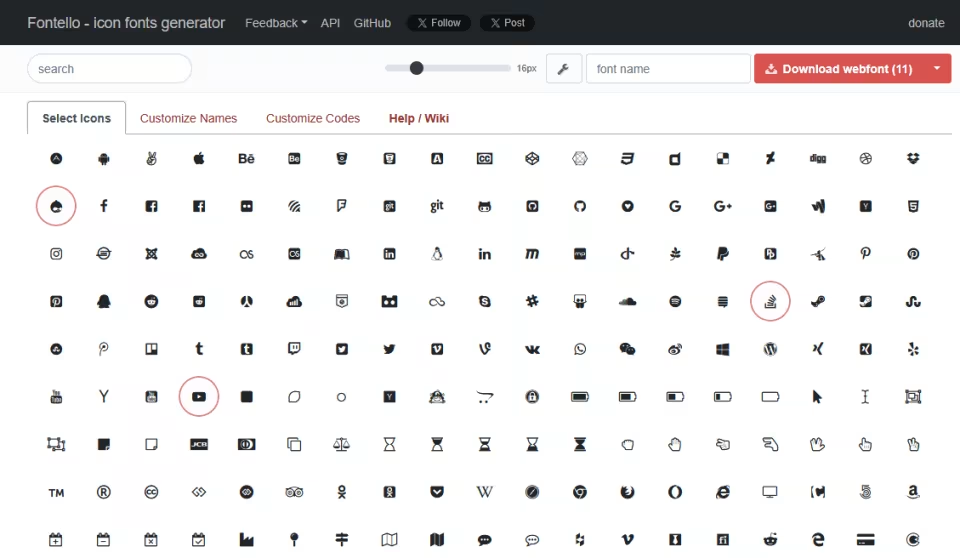
once there, select the icons that matter to you — like, you know, Drupal -- then click on Download webfont. you'll get a handy ZIP file with your custom font, CSS implementations, SVGs, and even a config.json file to recreate this font at a later date. and by the way, the font comes in several formats, like TTF and WOFF. these guys thought of everything!
but alas, although their website has plenty of options, sometimes you'll need to roll up your sleeves and do some more digging. that's where SVG Logos comes into play.
2. SVG Logos
if you need an icon that's not on Fontello, you're very likely to find it on SVG Logos.
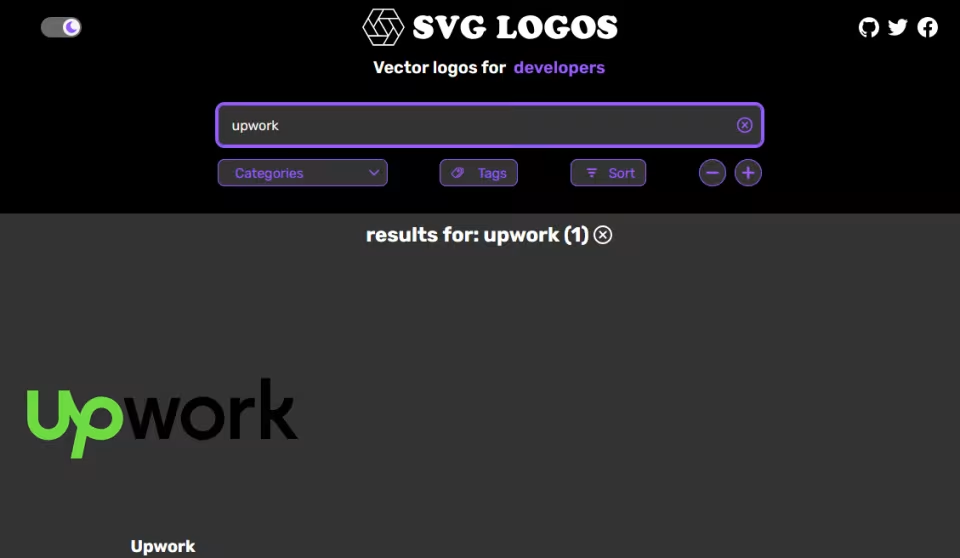
once you find the logo that'll complete your collection, download the corresponding SVG. in my case, I still needed to get just the "Up" from "Upwork", but no problem: it was very easy to edit on Inkscape (or your favorite vector graphics app).
then it's back to Fontello, where you can drag-and-drop the SVG file for your custom font.
3. Custom attributes
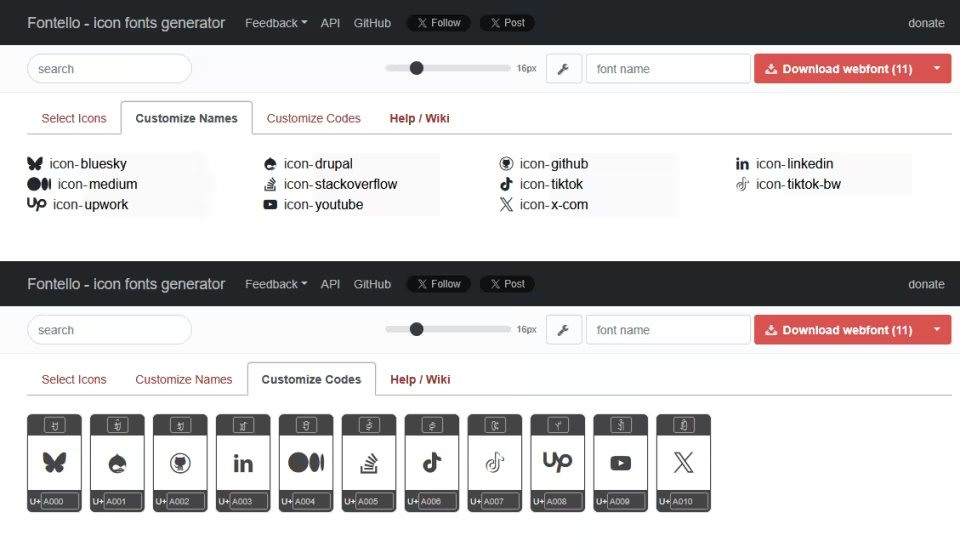
once you've defined a custom list of icons, you can rearrange them, give them custom CSS names, and even define the unicode "U+" notation, which is very cool.
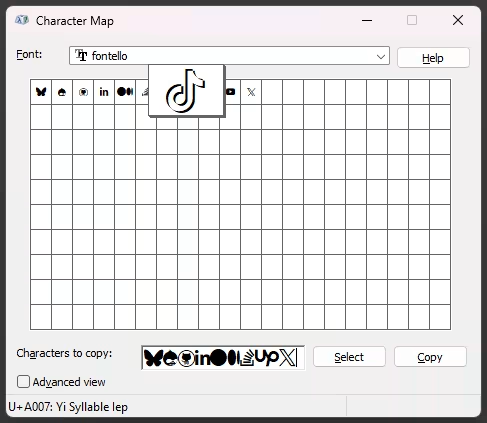
the generated font is good for your website, Figma design, you name it.
4. Importing into Figma
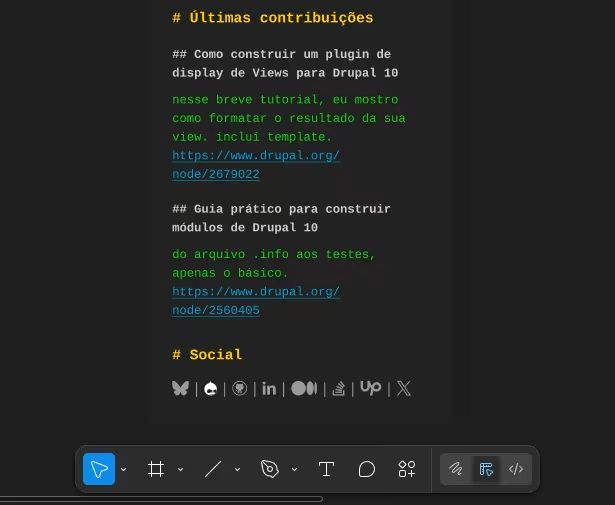
since it's a custom font, you'll notice Figma won't render it properly (at least in the web app environment). in order to fix that, head on to this help article for instructions on how to download and use Figma font helper.
and that's it — enjoy! as usual, feedback is welcome.
Originally published at https://linkedin.com on August 7, 2025.